Why didn’t my Markdown render?
Usually, a small detail is doing more work than it looks like.
Start with the example that matches your problem. If it still fails, check whether your app supports the feature.
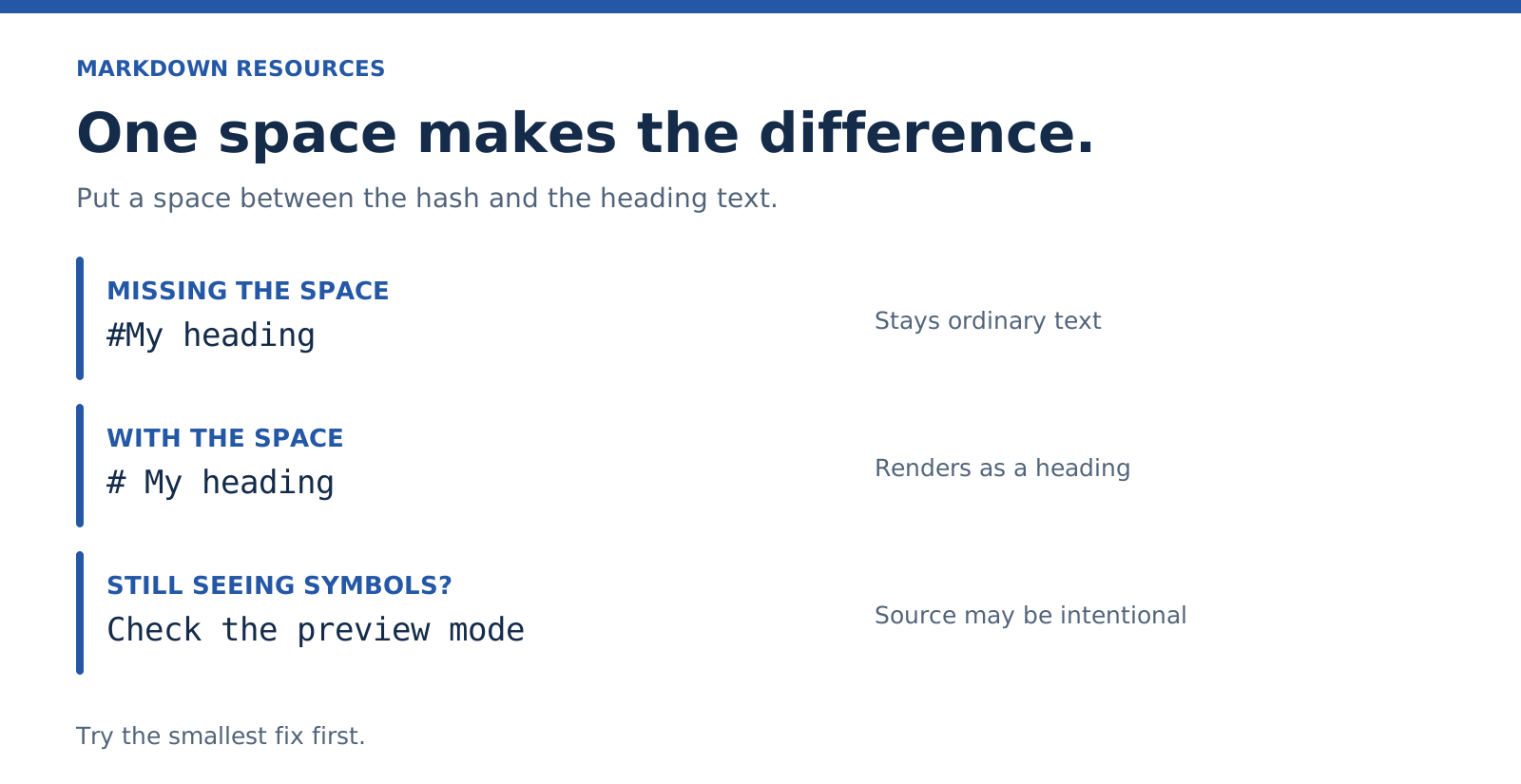
My heading is still a hashtag
Put a space between the hashes and the words.
#My headingChange it to:
# My headingIf the corrected line still shows as source, you may be in an editing mode that deliberately displays Markdown. Open the preview before changing the text again.
My list is one long paragraph
Each item needs its own line, with a space after the marker. Leave a blank line before the list.
Things to bring:

- Notebook
- Charger
- Water
My nested list stays flat
Indent the child items. With this dash-list example, use two spaces:
- Draft
  - Introduction
  - Examples
For numbered lists, the child indentation depends on the width of the parent marker. Align the child beneath the parent’s content, and check your editor if it still differs.
My link is just punctuation
The order is square brackets, then parentheses. Keep them together.
[Project](https://example.com/project)If it renders but doesn’t open, check the destination separately. Formatting a link doesn’t verify the address.
My image is missing
Check three things:
- The image starts with
!. - The path or URL points to the actual file.
- The viewer has access to that file.
A relative path is interpreted from the document’s location or the app’s configured base. Moving the note without its image folder can break it. A private image URL may work for you and fail for someone else.
My table is still a row of pipes
First check whether the app supports tables. Then check for the separator row:
| Item | Status |
| --- | --- |
| Draft | Ready |
A table is an extension, so correct syntax alone won’t make it work in every viewer. On a narrow screen, a list may be a better choice anyway.
Everything after my example looks like code
Look for an opening code fence without a matching closing fence. Put the closing backticks on their own line.
If the example itself contains three backticks, wrap the whole example in a fence of four backticks.
My two lines became one paragraph
A single line ending is often treated as a soft break. Add a blank line for a separate paragraph.
For a deliberate line break inside a paragraph, CommonMark supports two trailing spaces or a backslash at the end of the line. A backslash is easier to see:
First line\
Second line
Use these when the break carries meaning, such as an address or a poem. Don’t force every line of a normal paragraph.
It works in one app and fails in another
That can be a compatibility problem. Try a small example using only the feature in question. Check the receiving app’s documentation for support.
When you’re sharing a finished document, an export such as PDF can preserve the presentation. Keep the Markdown source too if the reader needs to edit it.
Next: What travels between apps.
My bold text never closes
Use matching markers on both sides.
Broken:
**Send the draft*Corrected:
**Send the draft**A sentence turned into a heading
A line of dashes beneath text can make a Setext heading. If you wanted a divider instead, separate it from the sentence with a blank line.
Heading:
Review notes
---
Paragraph and divider:
Review notes

---
My checklist shows empty brackets
- [ ] Send the draft
- [x] Check the title
That syntax needs task-list support. In a plain CommonMark viewer it may stay a list containing brackets. It can also appear as source while you edit. Check the reading view and supported extensions before changing the note.
For detailed fixes, read line breaks, nested lists, and missing images.