What travels between Markdown apps?
The words usually travel more easily than the features around them.
A .md file contains text. It can include headings, links, lists, and references to other files. It doesn’t automatically carry your app’s folders, reminders, attachments, or settings.
Start with the common ground
Headings, emphasis, ordinary lists, links, blockquotes, and code are a good place to start when you want a document to work across Markdown viewers.
CommonMark gives those basics a detailed specification. GitHub Flavored Markdown builds on that specification and adds features such as tables and task lists. Other tools use their own combinations of features.
You don’t need to memorize the names. You do need to check a feature before making it central to a shared document.
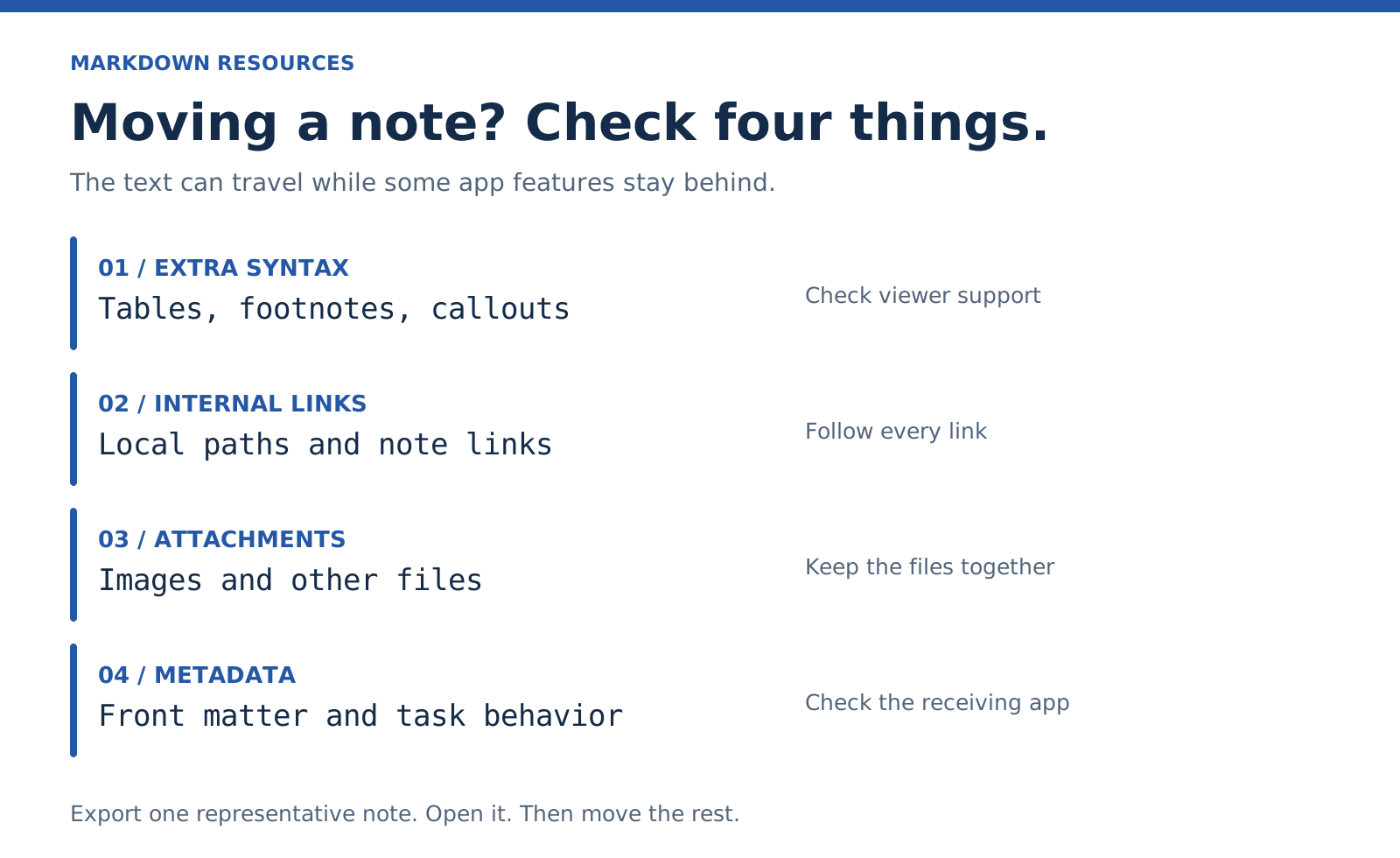
Four things to inspect before moving a note
1. Extra syntax
Tables, footnotes, math, callouts, and diagrams can depend on a particular parser or extension. Another app may render them differently or show their source.
2. Internal links
A link such as [[Project note]] can be convenient inside an app. Its behavior is not defined by CommonMark. A standard Markdown link is more widely understood, but a local file path still has to match the destination’s folder structure.
3. Images and attachments
An image link is a reference. It isn’t the image file. Keep the referenced files with the note, preserving the paths where possible.
4. Metadata and app behavior
Front matter can remain in the text even when the receiving app doesn’t understand its fields. A task checkbox can remain in the document without becoming a scheduled task. Formatting and app behavior are separate things.
Try one note before moving everything
Choose a note with the features you actually use: a link, an image, a list, and any extensions you depend on.
Export it. Open it in the destination. Follow the links. Check the attachments. Compare the source if anything disappears.
A small test gives you something concrete to fix before you have a folder full of surprises.
Choose the format for the handoff
Send Markdown when someone needs the editable text. Send a rendered export when the presentation matters more. Sometimes it helps to send both.
Neither option replaces checking the final result.
Next: The syntax reference · Troubleshooting.
Example: keep an image beside the note
Imagine a folder containing brief.md and a subfolder named images, with sketch.svg inside it. The note can refer to the sketch like this:
Move the parent folder as a unit. If the destination viewer blocks SVG, use a supported format such as PNG and update the filename in the note.
Example: use a file link you can check
If brief.md and review.md sit together, this link in review.md points to the brief:
[Project brief](brief.md)If the brief moves into a projects subfolder, update the path:
[Project brief](projects/brief.md)File-link behavior depends on the viewer. A copied link does not move its destination file.
A small migration test
Create one sample note with the features you rely on. Export it with its attachments. Open the result in the destination app and compare the rendered view with the source. Keep the originals until you have checked enough representative notes to trust the transfer.