Write your first Markdown note
You don’t need to learn every symbol before you start. Make one useful note. Learn the rest when you need it.
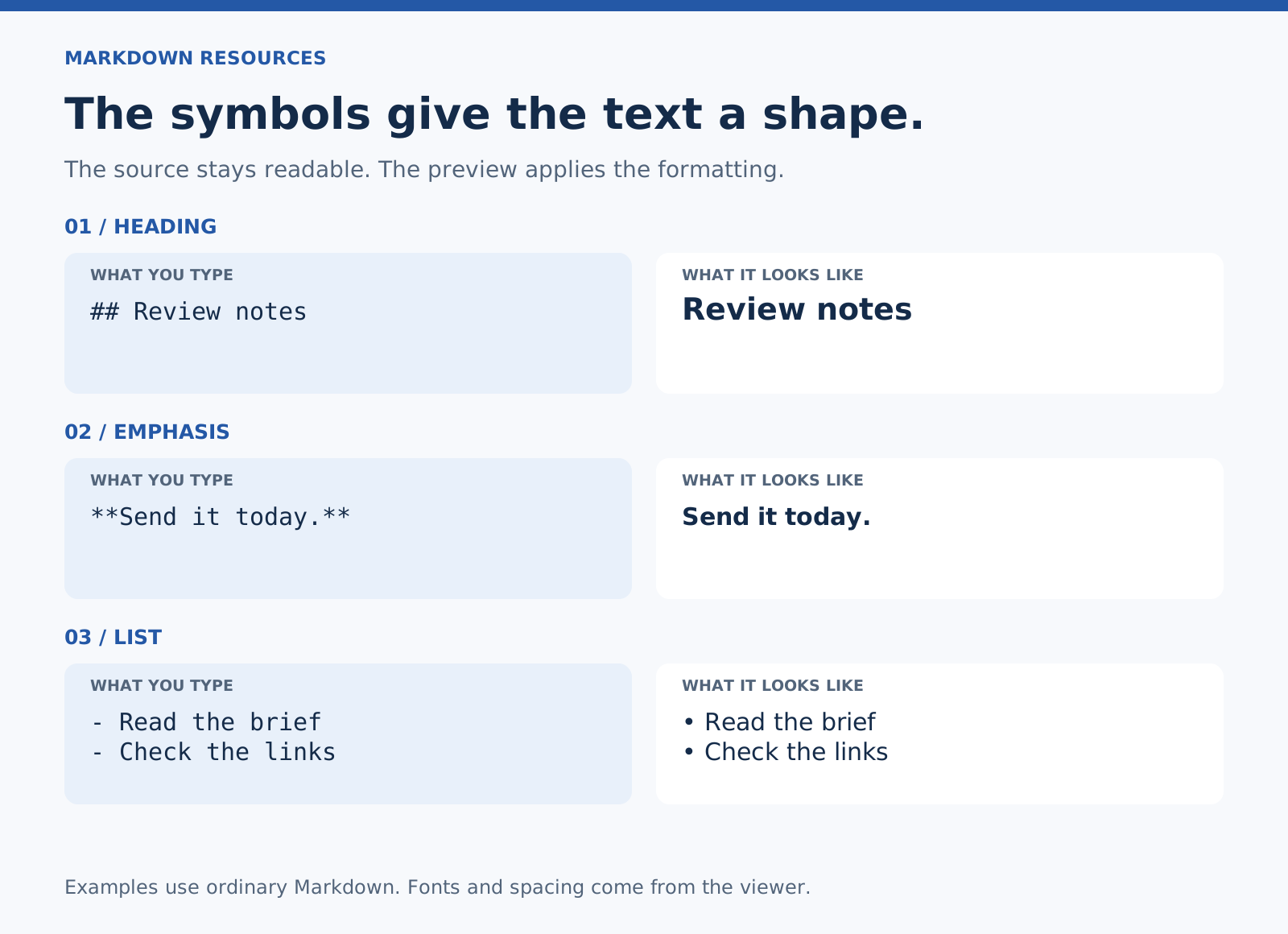
Markdown is plain text with a few conventions for structure and formatting. You write the symbols; a Markdown viewer interprets them. Some apps show the formatted result as you type. Others keep the source and preview separate.
Start with this
Copy this into a Markdown editor. Replace the words with something you actually need to remember.
# Friday notes

## What matters today

- Finish the draft
- Send the questions
- Leave room for lunch

## A thought worth keeping

The first version only needs to give me something to work with.

## Next step

**Read the draft aloud** before sending it.

[Project details](https://example.com/project)
That note uses four things: headings, a list, bold text, and a link.
Give it a shape
# Friday notes is the main heading. ## Next step is a section beneath it. Put a space after the hashes.
Use headings to help you find things later. Don’t add a heading just to make a line look bigger.
Make a list
Start each item with a dash and a space:
- First thing
- Second thing
- Third thing
Use a numbered list when the order matters:
1. Read the brief
2. Write the draft
3. Check the details
Emphasize the part that matters
Put two asterisks on each side for bold, or one on each side for italic.
**Send this today.**
*Working title*
A little emphasis helps. A whole paragraph in bold makes everything compete.
Add a link you can understand later
The readable label goes in square brackets. The destination goes in parentheses immediately after it.
[Project details](https://example.com/project)Choose a label that says where the link goes. “Project details” will mean more next month than “click here.”
Leave some breathing room
Use a blank line between paragraphs and around separate blocks such as headings and lists. Some of those blank lines are optional in particular parsers; using them consistently makes the source easier to read and avoids common surprises.
Pressing Return once inside a paragraph does not reliably make a visible line break. Use a blank line when you mean a new paragraph.
Keep the file
If your app offers a Markdown export, save a copy with a .md extension. Open it in a plain-text editor sometime. You should still be able to understand what you wrote.
Images and attachments may need to be saved separately. The note can contain a reference to an image without containing the image itself.
That’s enough for a first note. Use it for something real before learning another ten features.
Next: Keep the cheat sheet nearby or copy a daily note.
Example: a note for a real decision
A list helps you collect ideas. A decision note records why you chose one.
# Newsletter introduction

## Decision

Use the shorter opening.

## Why

The longer version repeats the headline before saying anything new.

## Next step

- Read the revised introduction aloud.
- Send it with the example attached.
Example: a small set of instructions
Use numbers when changing the order would change the result.
# Review a draft

1. Read the brief.
2. Check the draft against the brief.
3. Mark anything that needs a source.
4. Send the draft with your questions.
Try it without copying
Write a title for a note you need today. Add two sections. Put a list in one and a short paragraph in the other. Preview it, then save it. If that works, you already have the basics.
For more control, see Markdown line breaks and nested lists.